Following this guide will show you how to install Olark on Prestashop (versions 1.5 and above) and start chatting right away with your customers!
Installation steps
- Use your preferred FTP client, and log into the domain where you are hosting your Prestashop installation.
- Navigate to the root folder of your website (Usually WWW or public_html), and then navigate to Presto/Themes/X, where X is the name of your active theme.
- Select the footer.tpl file in the theme folder. Download the footer.tpl file to your computer and open it in a text editor of your choice. Then, change the name of the the file on your webserver to footer.bak, in case any errors are introduced when you make your edits.
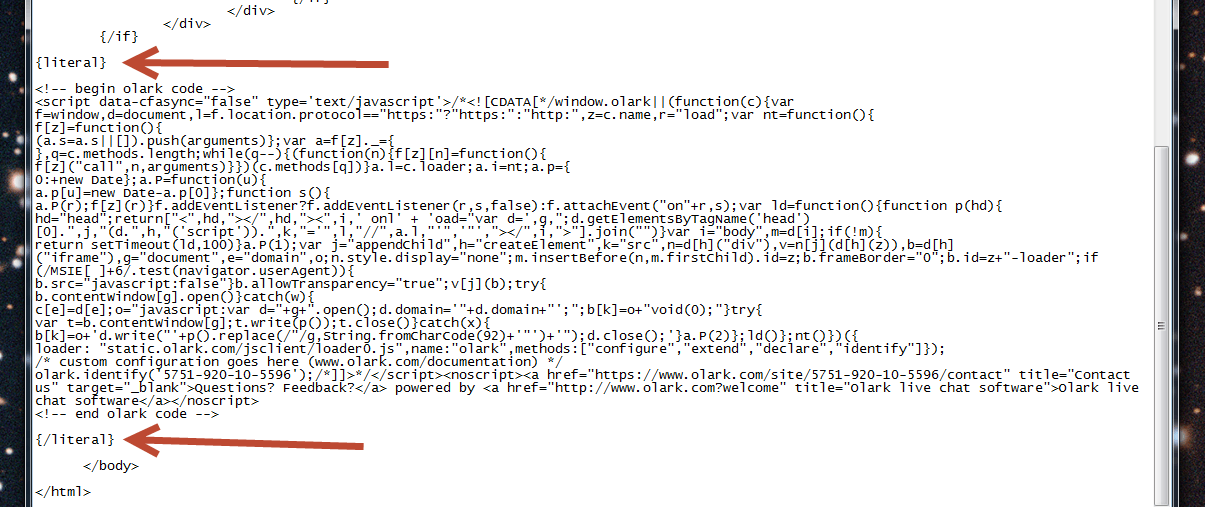
- With the footer.tpl file open, copy your Olark install code here and paste it in the file, just above the